
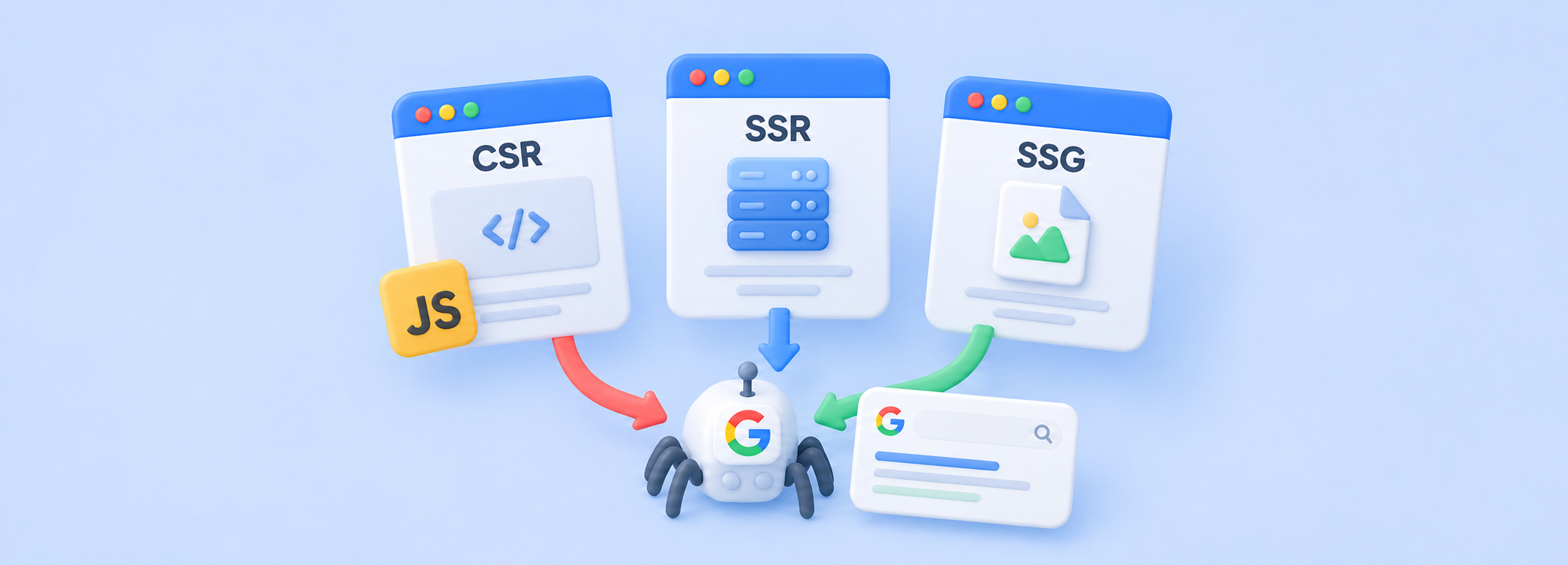
“Use SSR because SEO matters.”
It is common advice during web development.
But SSR does not help if the server returns an empty article list or the deployed page has an incorrect canonical.
Declaring that a CSR page cannot appear in Google is not accurate either.
The result a page actually delivers matters more than the framework’s name.
This guide compares initial HTML, browser DOM, and Google’s rendering results for the same URL.
Quick Summary
| Layer | What to Inspect |
|---|---|
| Initial HTML | The document returned by the server |
| Rendered DOM | Document structure after JavaScript and other changes |
| Google rendering | The result available through Google’s inspection tools |
| Main comparison points | Content, title, canonical, robots, internal links |
| SSR and SSG | Can reduce dependence on JavaScript for core content |
| Limit | No rendering method guarantees indexing or rankings |
This is the second article in the advanced technical SEO series.
1. Indexing diagnosis → 2. Rendering comparison → 3. Canonical conflicts → 4. SEO regression tests
How Do CSR, SSR, and SSG Differ?
The main difference is when and where the core HTML is generated.
| Approach | Main Content Generation | Risk to Inspect |
|---|---|---|
| CSR | In the browser after JavaScript runs | Missing content after script or API failures |
| SSR | On the server when handling a request | Data failures, caching, or authentication differences |
| SSG | At build time | Content omitted from a build or an old artifact deployed |
A project can combine these approaches.
A homepage might use SSG, an account dashboard CSR, and some service pages SSR.
Instead of asking whether the site uses React, ask when this URL’s core content is generated.
Identical Screens Can Start With Different HTML
These simplified examples illustrate the difference.
Content That Depends on JavaScript
<main id="article">
  <p>Loading...</p>
</main>
<script type="module" src="/article.js"></script>
If article.js inserts the article after a successful API call, the visitor sees the finished page.
If the request fails, the loading message may remain.
Content Delivered in the Response
<main id="article">
  <h1>Website SEO Checklist</h1>
  <p>Check the HTTP response and canonical URL first.</p>
</main>
SSR and SSG can be configured to deliver HTML like this.
But the label SSR does not guarantee this output. A server that silently handles a data error by rendering an empty page still delivers insufficient content.
1. Save Initial HTML With a GET Request
Use the same production URL throughout:
curl -sS -D initial-headers.txt \
  -o initial.html \
  https://example.com/blog/seo-checklist/
Replace the placeholder domain with your actual site.
Check for a 200 response first. If the URL redirects, record the destination and fetch its response separately.
Search for a distinctive sentence from the article, not only its title.
A sentence inside a <script> data block is different from content in the body:
<script type="application/json">
  {"content":"Check the HTTP response and canonical URL first."}
</script>
That data alone does not prove the article is present in <main>.
2. Inspect the Browser Result After JavaScript Runs
Open the production page and run this in the developer tools Console:
({
  title: document.title,
  h1: [...document.querySelectorAll('h1')].map(node => node.innerText),
  mainText: document.querySelector('main, article')?.innerText,
  canonical: [...document.querySelectorAll('link[rel~="canonical"]')]
    .map(node => node.href),
  robots: [...document.querySelectorAll('meta[name="robots"], meta[name="googlebot"]')]
    .map(node => node.content),
  links: [...document.querySelectorAll('main a[href], article a[href]')]
    .map(node => node.href)
})
This describes your current browser state. It does not reproduce Googlebot.
Record login status, cookies, network conditions, and location where relevant.
Target the main content region when checking text. Searching the entire document can mistake navigation or related-post titles for a successfully rendered article.
3. Compare With Google’s Rendering Results
Run a live URL test in Search Console.
Where available, inspect the tested page’s HTML, screenshot, and resource errors.
Google can render JavaScript, but blocked resources or execution errors can prevent content from being read. Google’s JavaScript SEO documentation
Record results in a table:
| Item | Initial HTML | Your Browser | Google Live Test |
|---|---|---|---|
| Distinctive article sentence | Missing | Present | Missing |
| Canonical | Article URL | Article URL | Article URL |
| Related article links | Missing | Present | Missing |
| API request | Not executed | Successful | Investigate errors |
This is a hypothetical example, not a reported site measurement.
It points toward checking the API request that supplies the content and links, rather than stopping at “CSR is the problem.”
A live test is also a snapshot of that test. It is not necessarily identical to indexed data or a subsequent crawl.
Problems Rendering Comparisons Can Reveal
Removing an Initial noindex With JavaScript
<meta name="robots" content="noindex">Avoid sending noindex initially and changing it to index after the app runs.
Google may skip rendering after encountering the initial noindex, so it may never see the removal. Google’s robots meta guidance
When possible, determine public visibility on the server or at build time and send a consistent directive.
Fetching Core Content Only After Interaction
If the entire article is requested only after a click or scroll, investigate whether automated retrieval receives the same information.
Consider making the essential explanation accessible in the default state, with interactions providing additional exploration.
Replacing Server Content With an Empty Client State
Initial HTML can be correct while a failed client-side request removes the content.
Adding SSR alone does not solve that problem. Inspect hydration data, state transitions, error handling, and authentication dependencies.
Changing Canonicals After Execution
A server-rendered article canonical that becomes a homepage canonical creates conflicting signals.
Inspect shared layouts and client-side head components together.
Which Approach Fits Which Page?
| Page Characteristics | Starting Point |
|---|---|
| Public articles updated occasionally | SSG with rebuilds on publication |
| Public pages requiring fresh request-time data | SSR with data failure and cache handling |
| Personal workspace behind login | Choose for usability, including CSR where appropriate |
| Public explanation alongside an interactive app | Separate public content from app data dependencies |
These are design considerations, not a ranking advantage table.
Measure performance separately. A slow SSR response or heavy JavaScript on an SSG page can still create a poor experience.
See the Core Web Vitals guide for measurement details.
An AI Prompt for Rendering Comparisons
Inspect rendering dependencies for this public URL:
https://example.com/blog/seo-checklist/

Compare GET response HTML with the browser DOM after execution.
Tabulate a distinctive body sentence, title, canonical, robots, and links.

Distinguish script data from actual body text.
Connect issues to API requests, code locations, and failure conditions.
Use Google inspection results only when I supply that evidence.
Do not describe my browser's output as Googlebot's output.
Before proposing a rendering architecture change, consider fixes within
the current implementation.
FAQ
Does SSR guarantee indexing?
No. It can help deliver readable content, but restrictions, duplication, canonical selection, and other factors still matter.
Is missing initial content always a failure?
No. Inspect Google’s rendered result too. However, the dependency on JavaScript and external requests is worth reviewing.
Is disabling JavaScript enough to test SEO?
It can reveal initial dependencies, but does not reproduce Google’s rendering or indexing status.
Can SSG still have rendering problems?
Yes. A build may omit an article, an old artifact may be deployed, or client-side JavaScript may subsequently change the content.
Conclusion
Compare actual responses before choosing a rendering approach by name.
Separate initial HTML, your browser’s DOM, and Google’s inspection results to identify where information disappears.
Next, investigate canonical conflicts, where readable content can still have an unexpected representative URL.